USE CASES
Continuous Risk Monitoring
Clarative’s context layer combines knowledge of existing data source systems, business nuance, and context about user intent to create a virtual data model, purpose-built to answer your question or to help you discover data.
Continuous Risk Monitoring with Clarative
Clarative monitors vendors 24/7 for incidents, breaches, and adverse events, with AI triaging that surfaces what truly matters and eliminates the noise. Customers can leverage this information for a variety of purposes, from increasing their organization’s risk resilience, to focusing their risk management based on vendor trends, to complying with regulatory requirements.
Who's Involved?
Risk Professionals who need continuous and instant visibility into vendor risk:
Heads of Risk - Those who need to stay compliant with regulations and want to know how about changes in their organization's risk profile
Risk Managers - Those who manage their organization’s risk resilience
Setup
1. Add Your Vendors
First, add your vendors to Clarative.
On the Vendors tab, you can click “Manage Vendors” to open the “Add Vendors” modal.
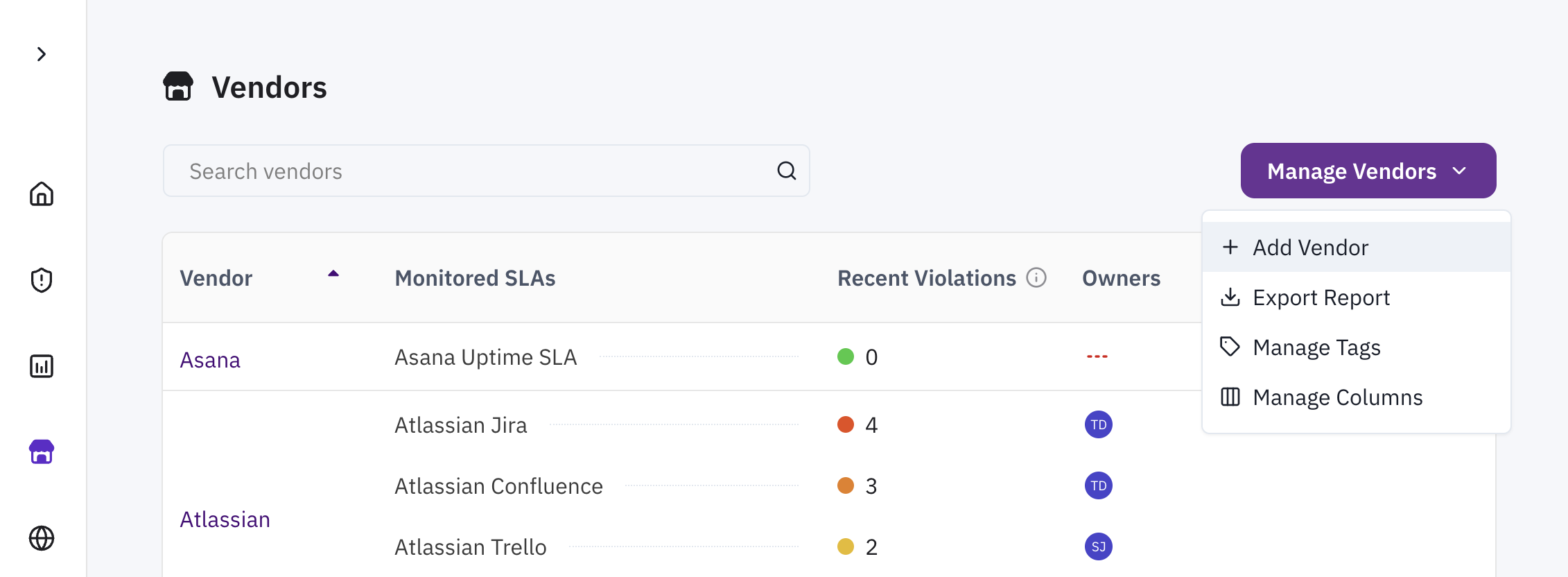
From here, you can select from a list of vendors Clarative is already monitoring, or enter a new one manually.
2. Set up your SLAs
Next, you’ll want to set up SLAs so that Clarative can monitor the incidents that are relevant to your organization.
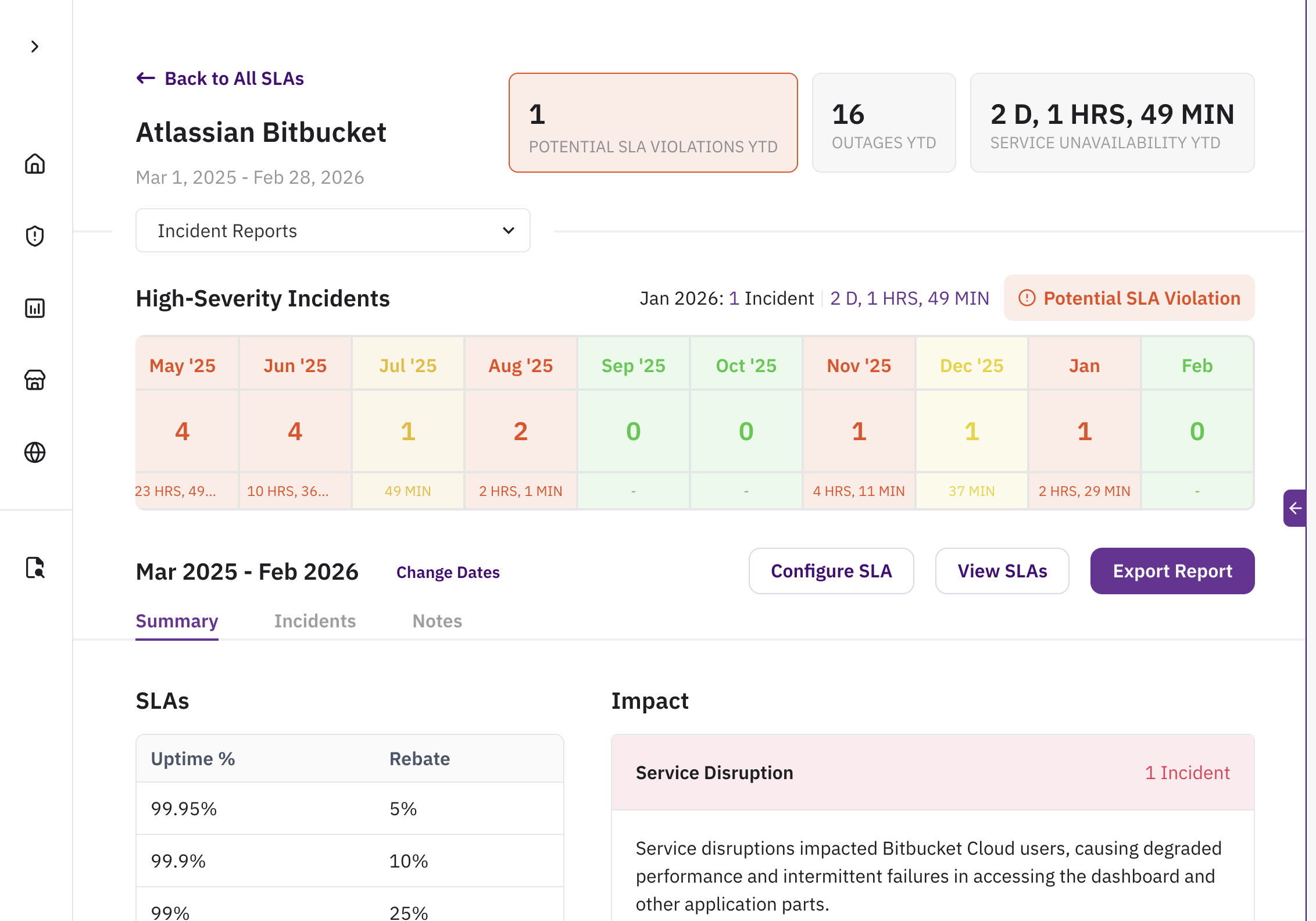
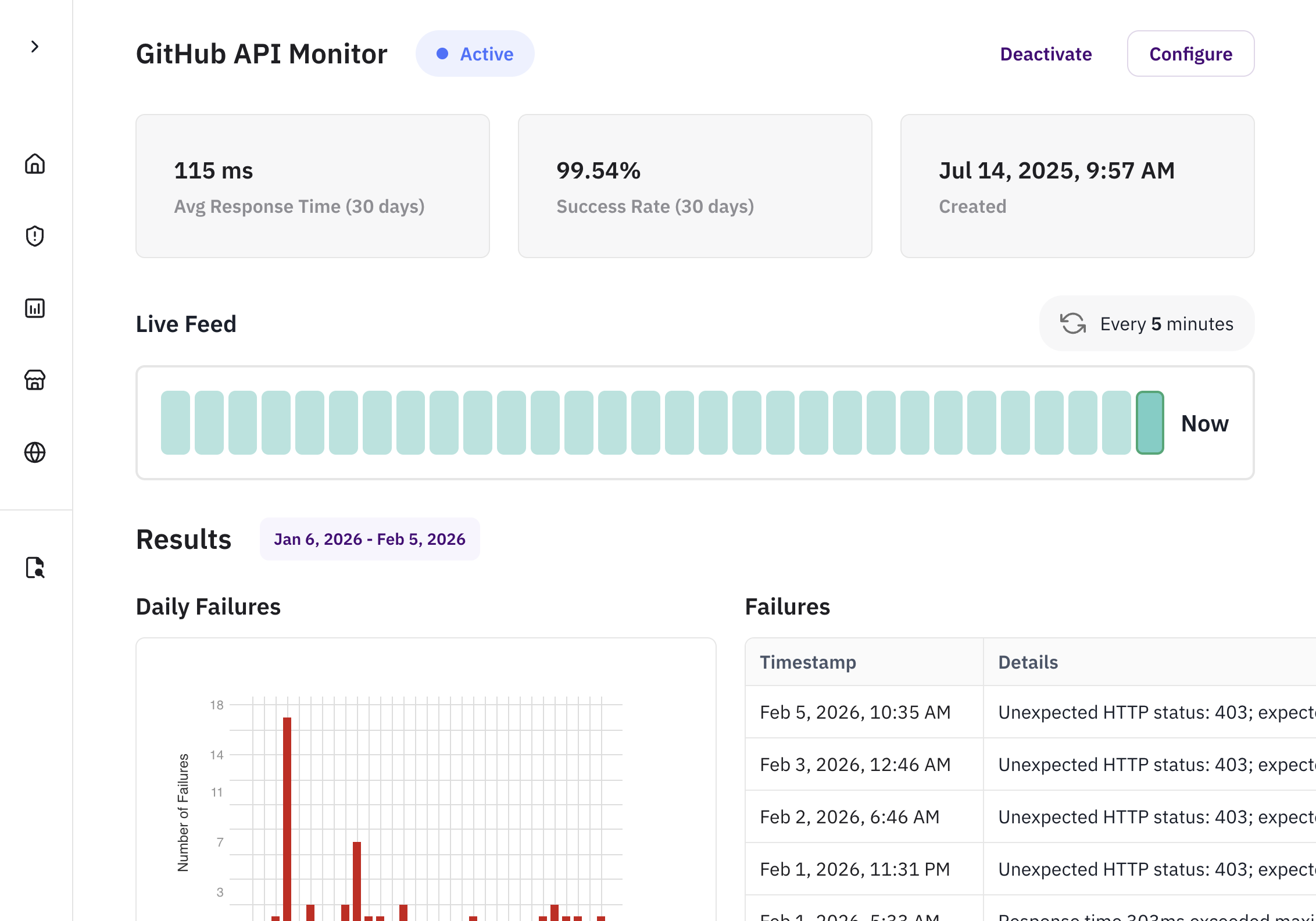
Uptime SLAs
When the vendor is contractually obligated to keep their IT service(s) running with high fidelity, Clarative can automatically track whether these services remain usable and performant.
Synthetic Monitors
When vendors do not have incident reports or status pages, synthetic monitors continuously test the availability and performance of your vendor applications by simulating requests.
3. Fine-tune your AI Triaging
AI triaging is the secret sauce to ensuring the most important and relevant incidents get bubbled to the top.
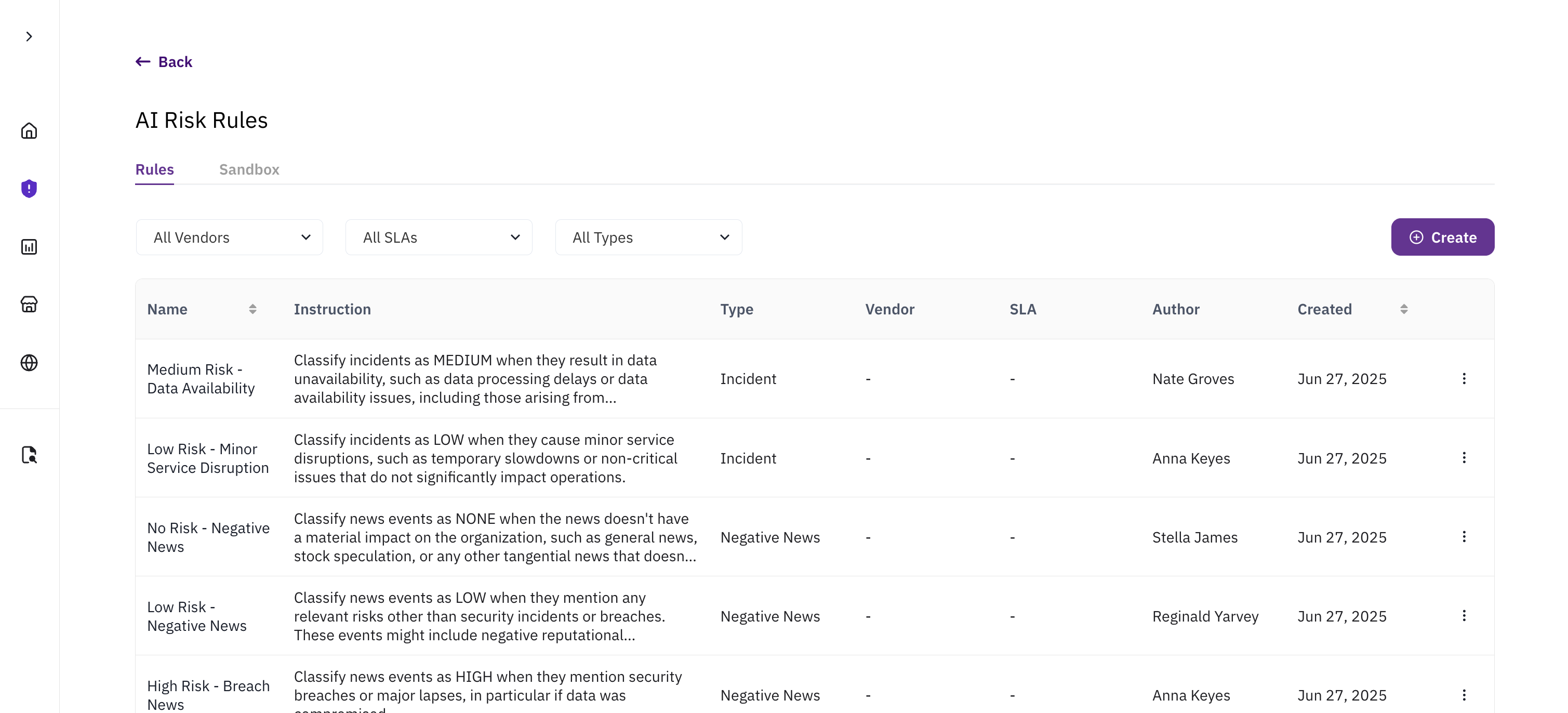
Navigate to the AI Risk Rules page by clicking "Configure AI Triaging" on the Risk Tab to set up triaging rules for various event types. You can test your rules on the Sandbox tab.
Clarative’s context layer combines knowledge of existing data source systems, business nuance, and context about user intent to create a virtual data model, purpose-built to answer your question or to help you discover data.
So What?
With your SLAs and Triaging rules are all set up, there are a variety of ways you can leverage your continuous risk monitoring data in your workflows
Increased Risk Resilience
Have peace of mind and assurance that you’ll be notified of issues right when they happen
How It Works
Impact
Enables earlier detection of disruptive vendor incidents, reducing potential downtime and business impact by catching issues when they happen.
Strengthens organizational resilience by giving teams shared, real-time visibility into incidents and allowing coordinated response across risk, IT, and procurement.
Provides leadership with assurance that third-party risks are actively monitored, triaged, and addressed — not discovered during an outage or audit.
Focused Risk Management
Understand an overview of your risk profile and any significant changes that you need to address
How It Works
Impact
Surfaces emerging patterns and trends (e.g., repeated outages, chronic performance issues) so risk managers can proactively intervene before they escalate.
Demonstrates a data-driven, maturity-level jump in risk management by moving from reactive issue chasing to trend-based, strategic vendor oversight.
Helps teams prioritize the few vendors and issues that actually matter, preventing “alert-fatigue” and ensuring resources focus on high-impact risks.
"Clarative boosts our awareness — horizon scanning that pulls everything into one place.”
- Risk & Resilience Manager @ Global Fintech Company
Regulatory Compliance Assurance
Clarative's monitoring provides evidence that you're tracking vendor risks and incidents as required.
How It Works
Impact
Provides audit-ready evidence of continuous vendor monitoring, supporting expectations from DORA, EBA Outsourcing Guidelines, PRA SS2/21, MAS TRM, and OCC Third-Party Risk Guidance.
Automatically maps incidents and outages to regulated vendors/SLA obligations, simplifying regulatory reporting and examinations.
Reduces the operational burden of compliance by providing a centralized, defensible log of monitored risk events and responses.
"DORA is our big push — we want Clarative’s monitoring, integrations, and evidence for regulators."
- Chief InfoSec Officer @ Leading Fintech Company
“Priority 1 is satisfying DORA reporting on critical ICTs — Clarative automates this for us.”
- Head of Compliance @ Fintech Company